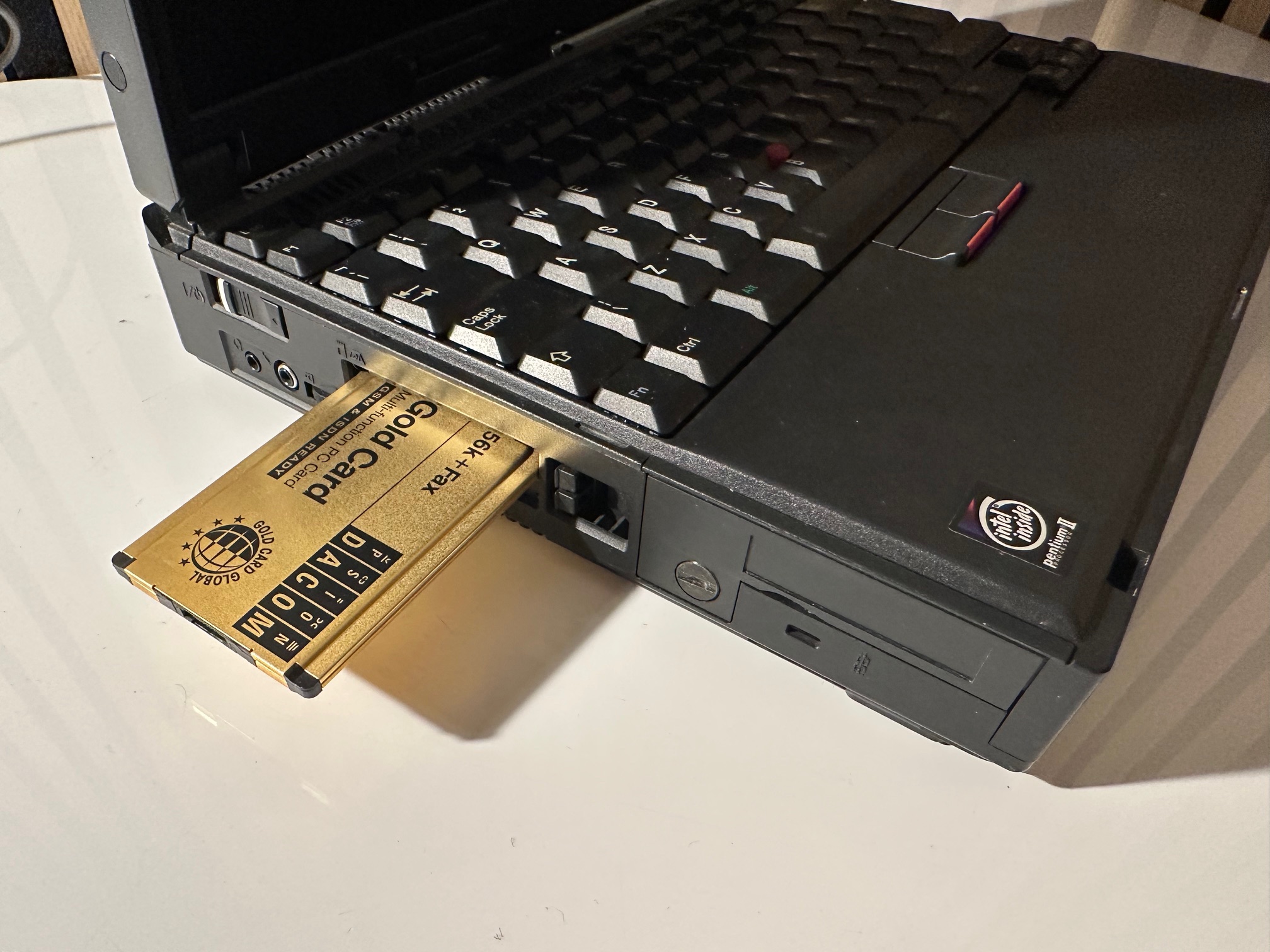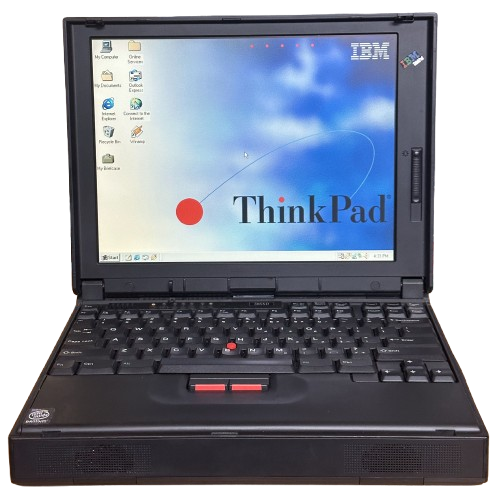
IBM ThinkPad 380 Series
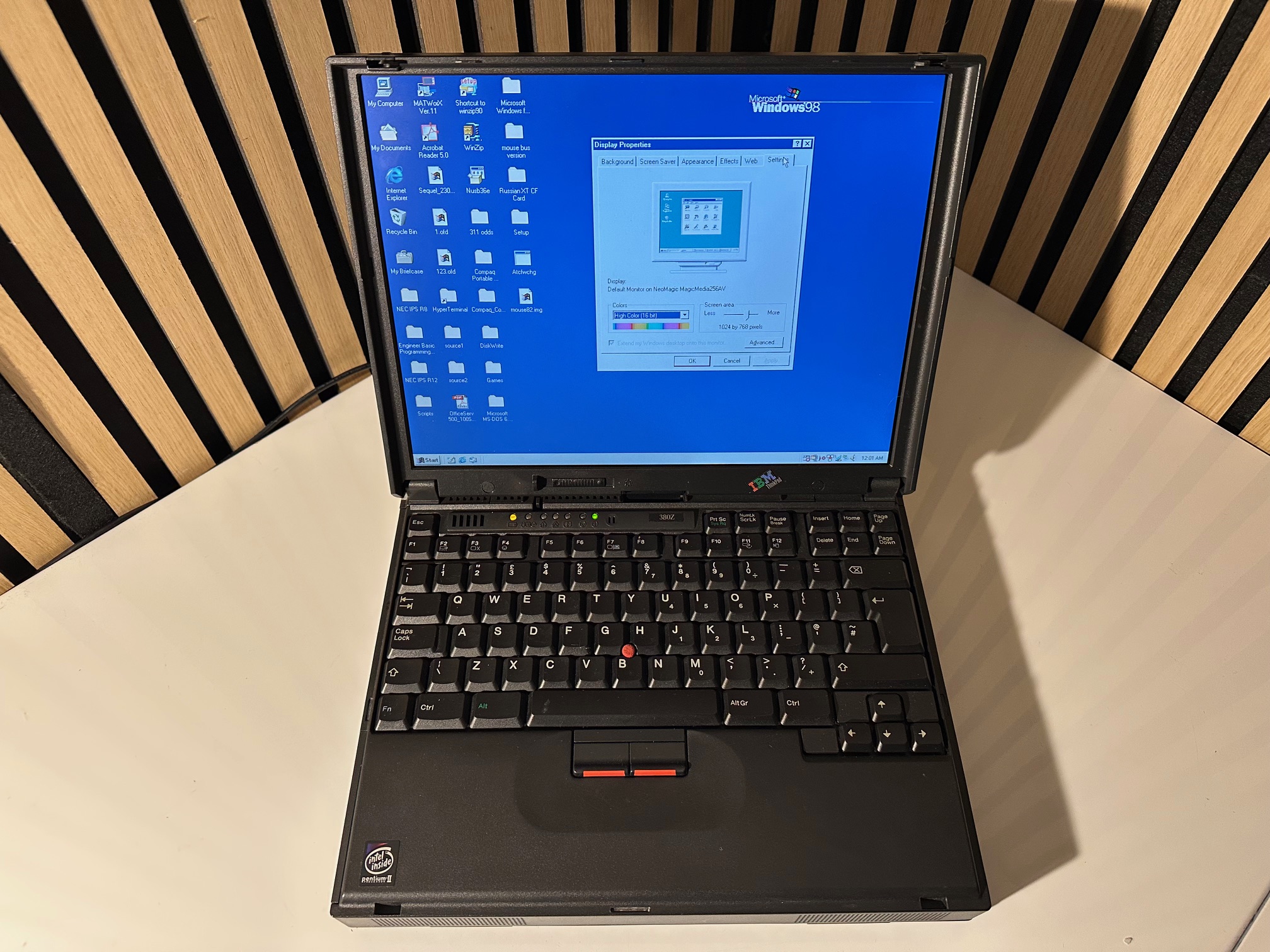
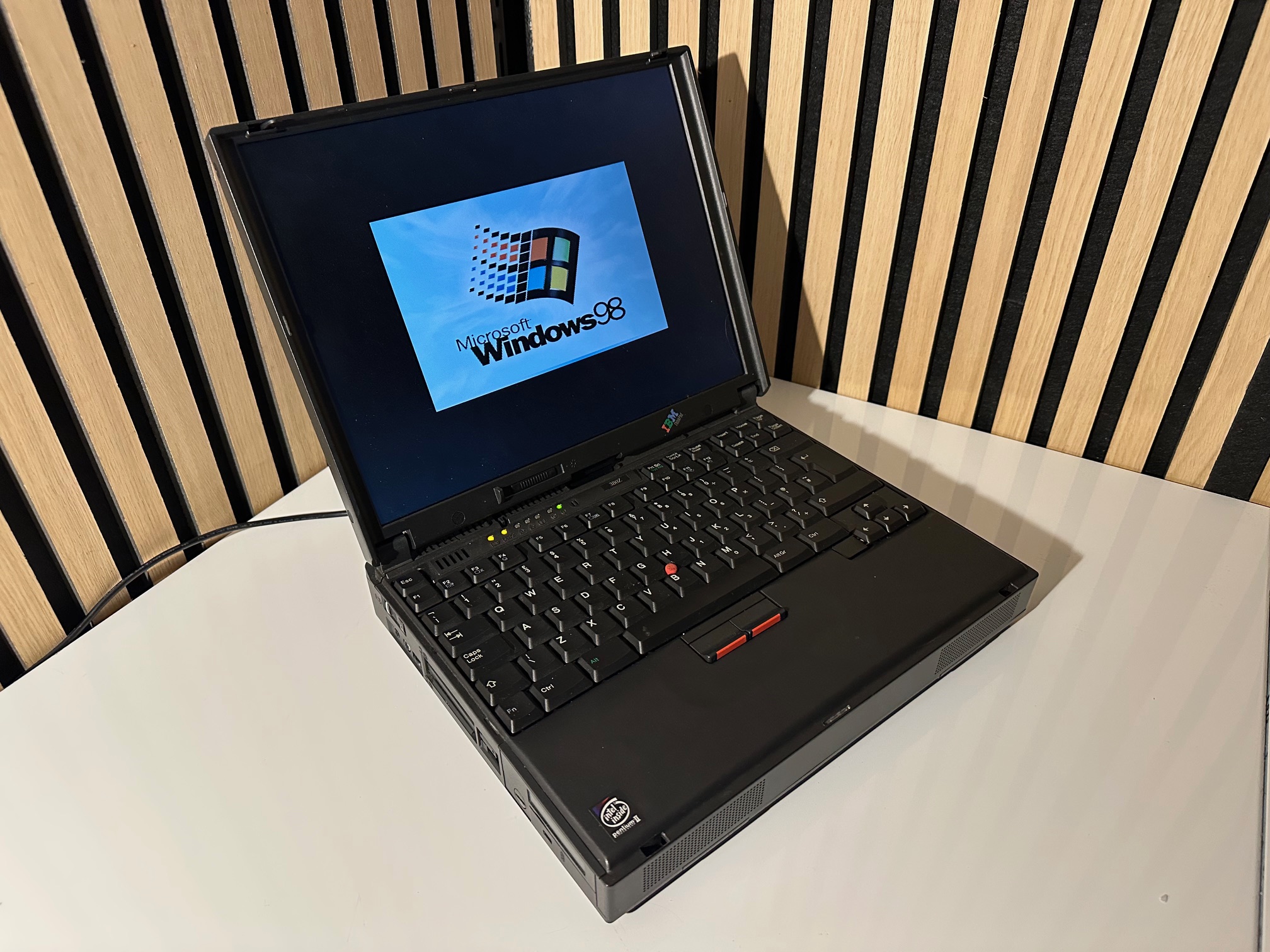
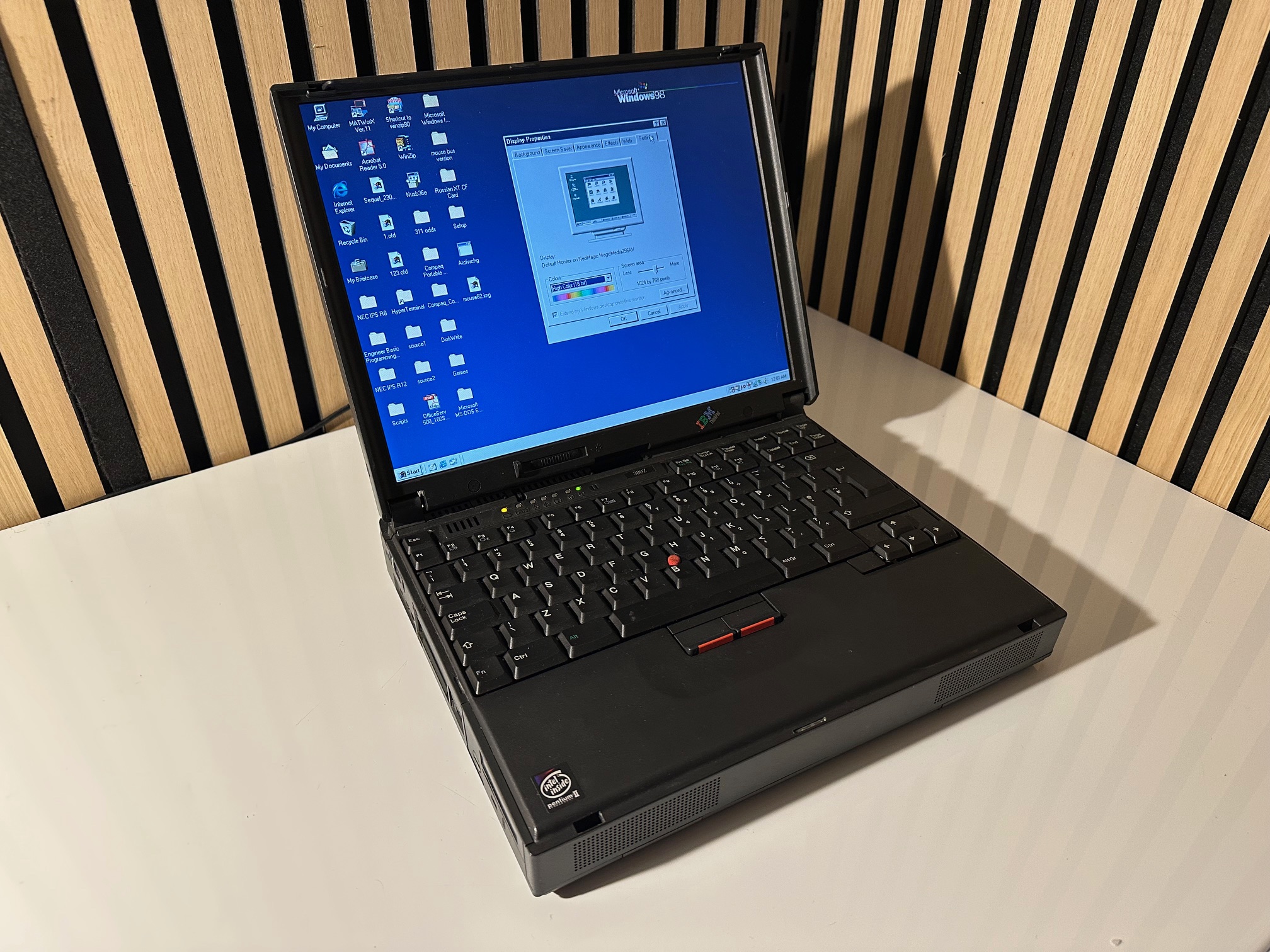
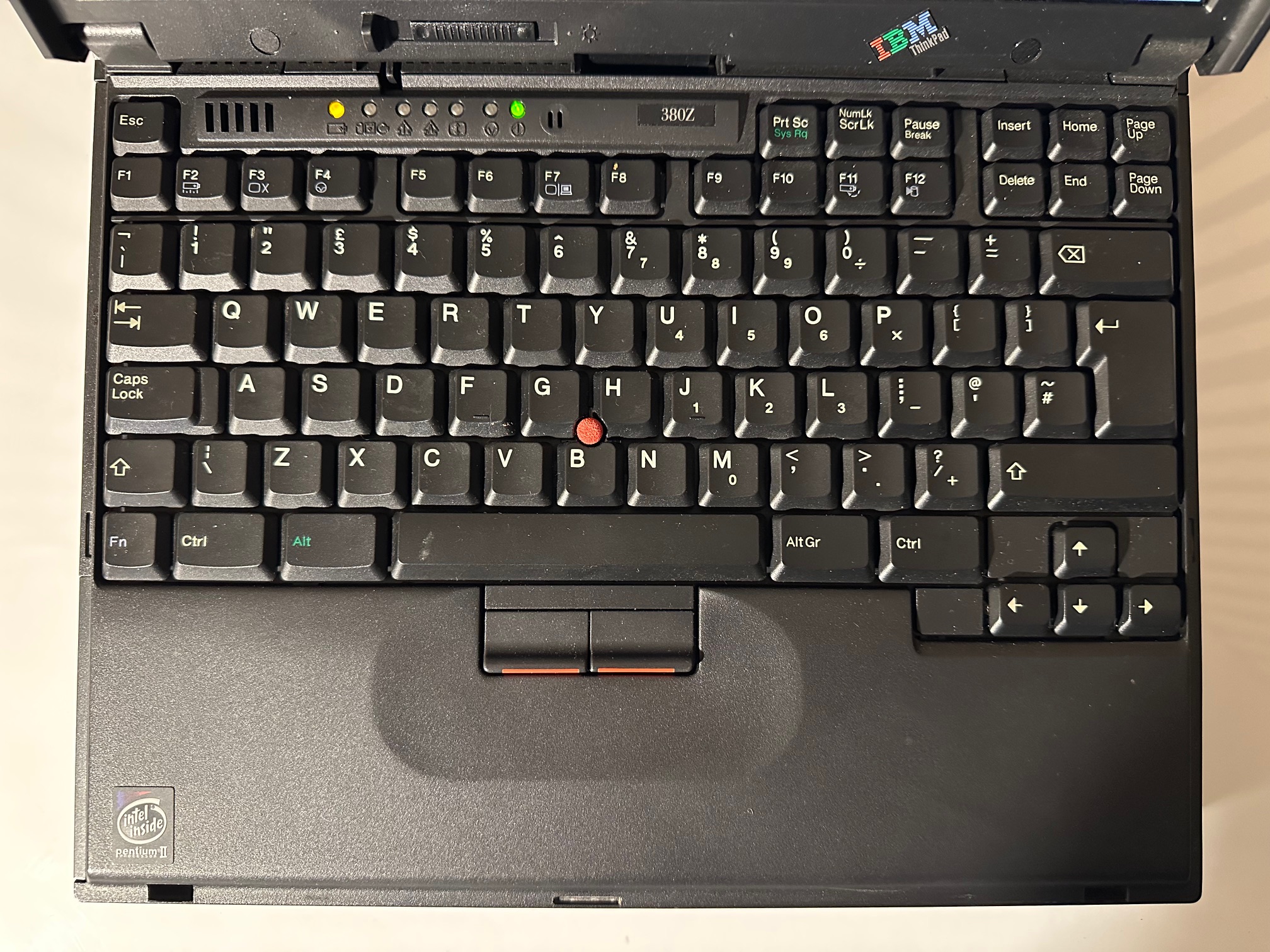
The ThinkPad 380 Series were mid end/consumer laptops, first released in May 1997 and discontinued in June 1999. This series is really what comes to my mind when I think "90s ThinkPad". They're rectangular bricks, thick as can be, built like tanks, and high-quality throughout.
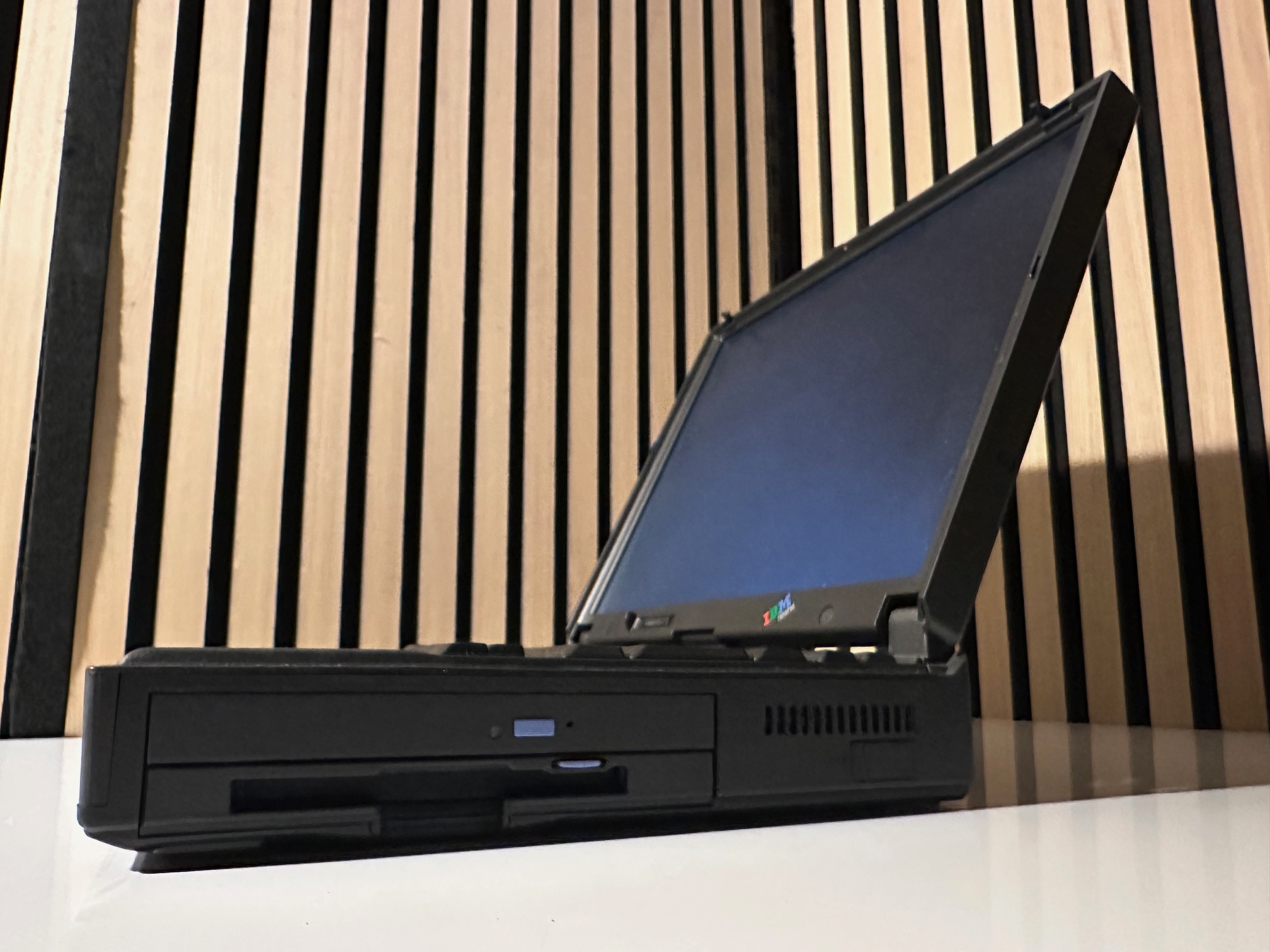
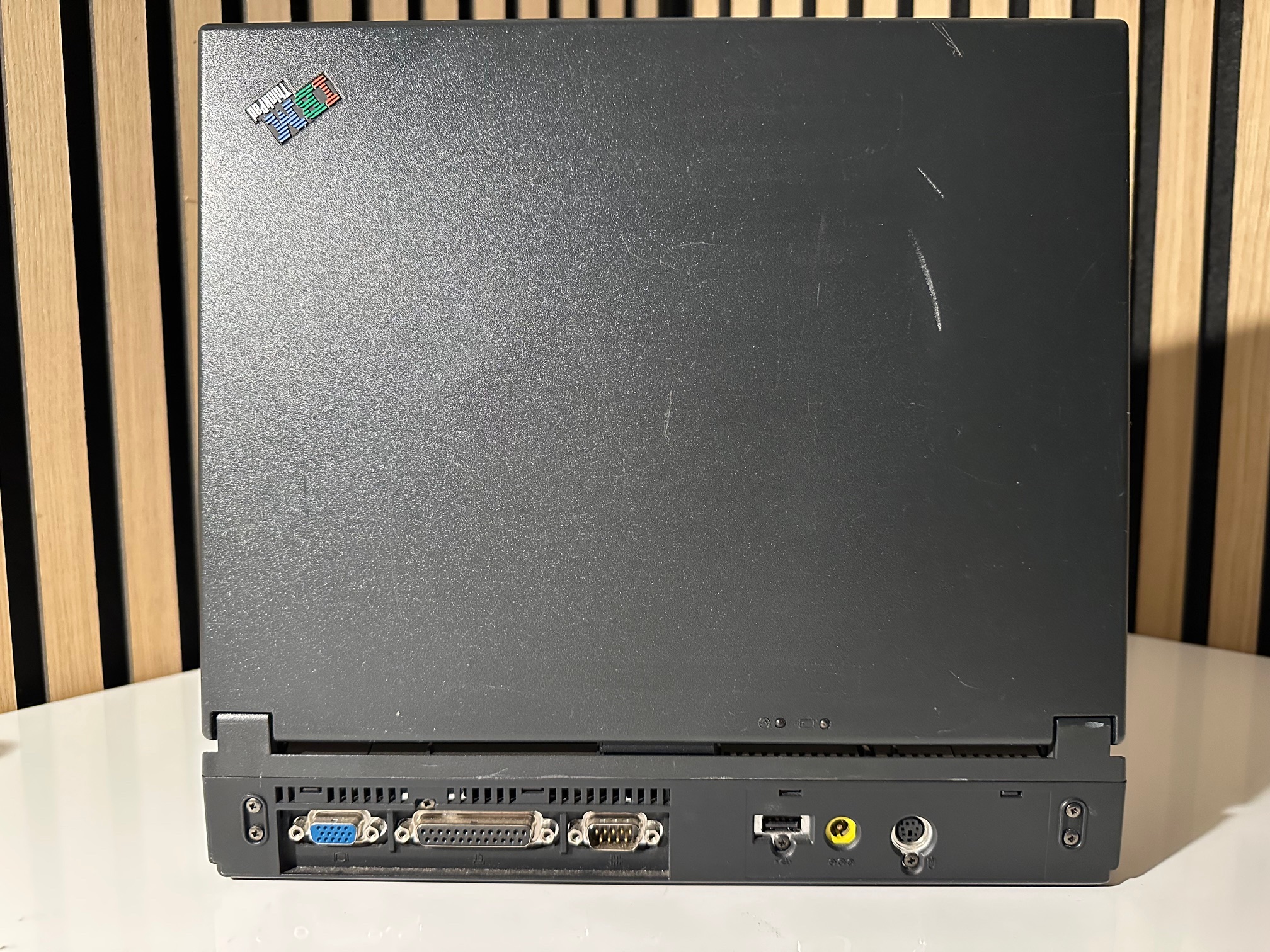
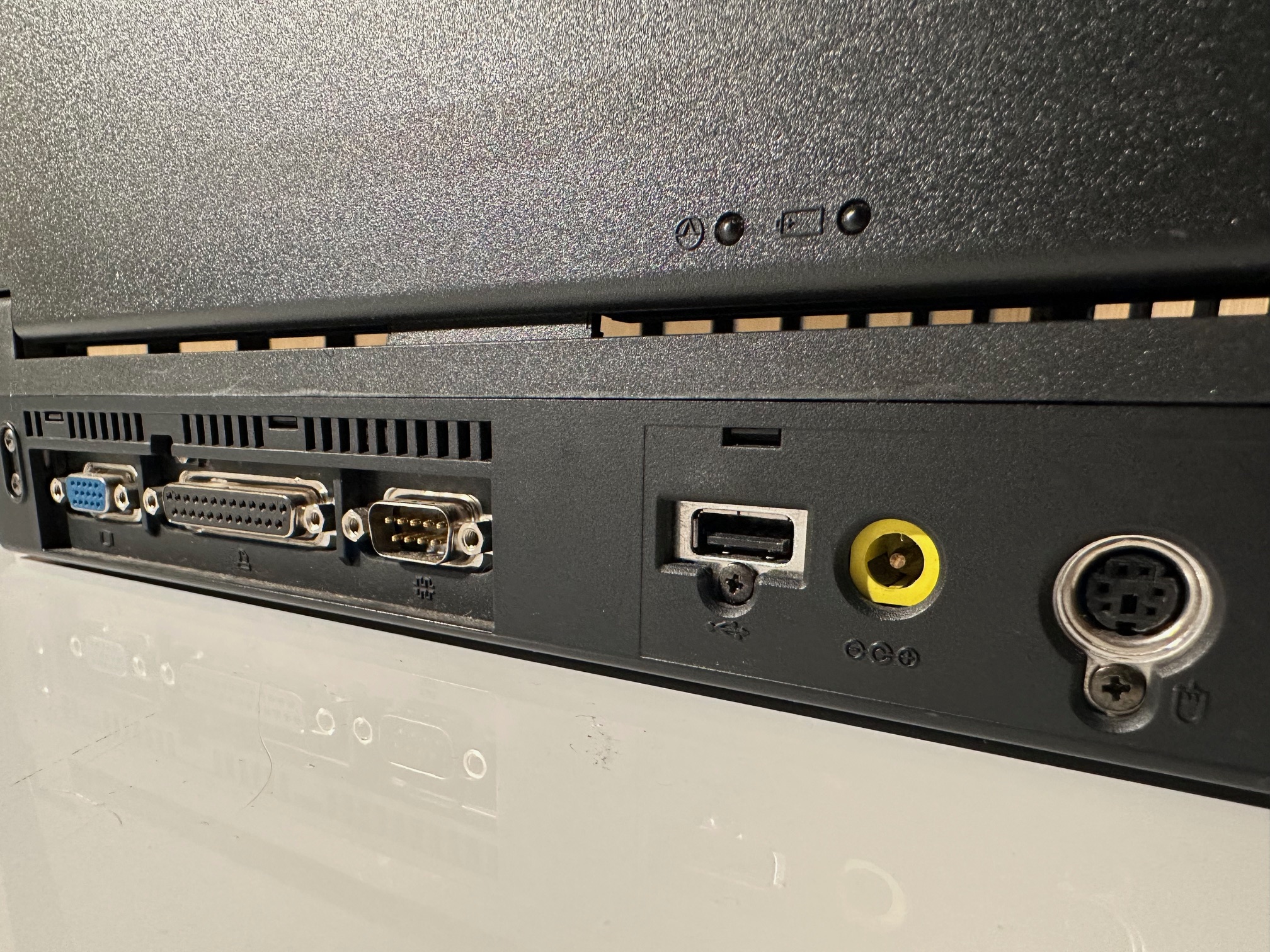
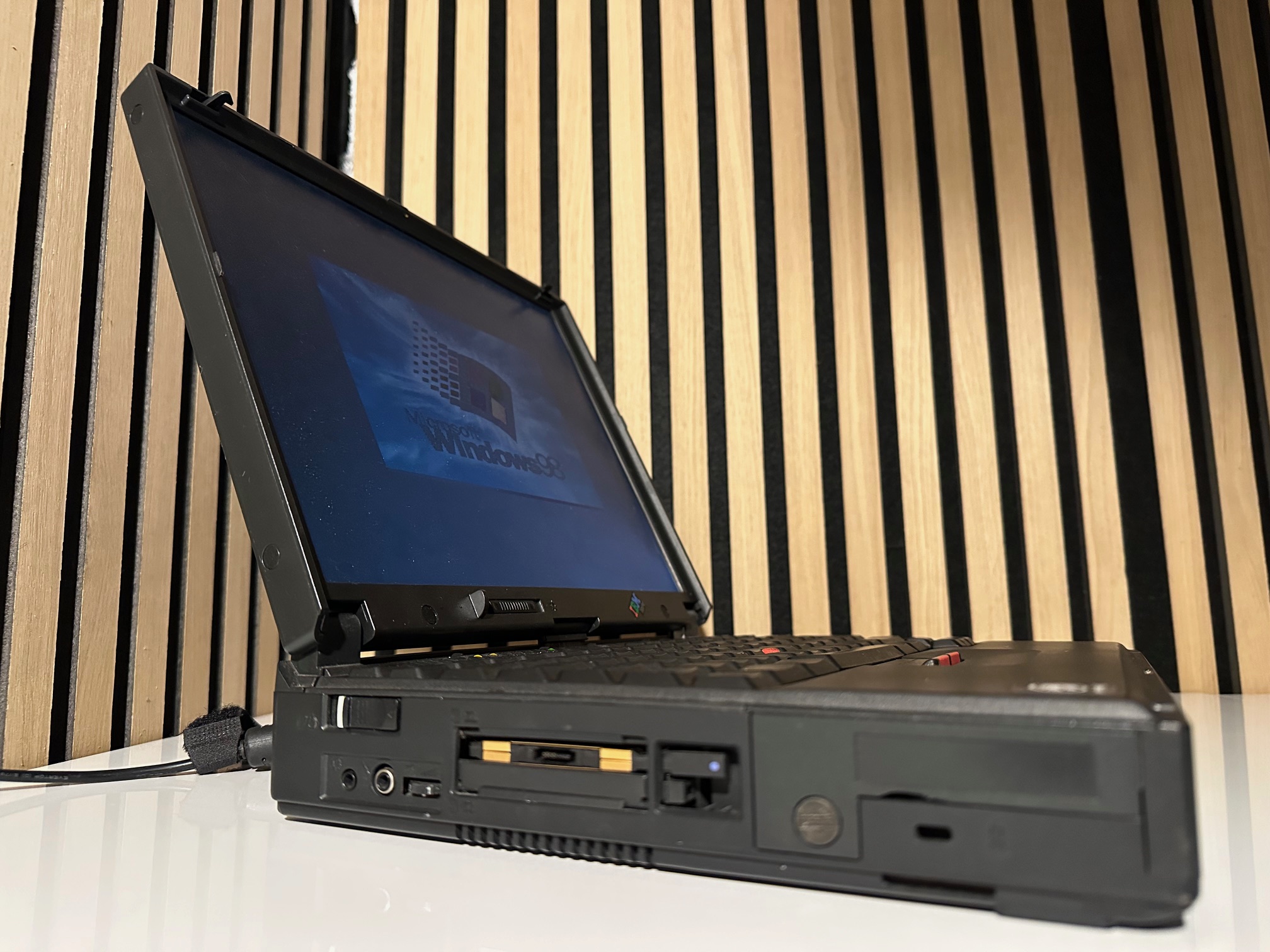
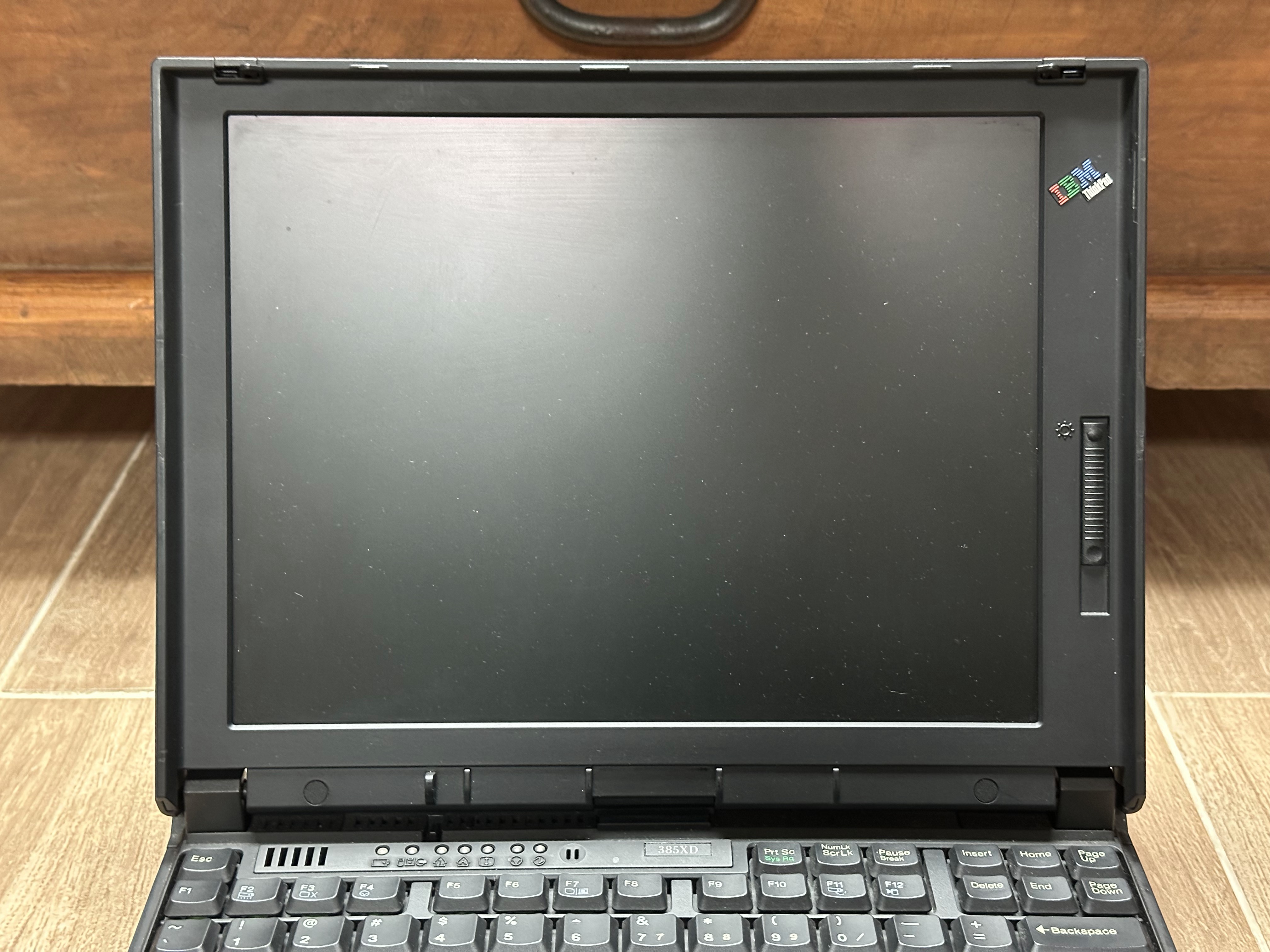
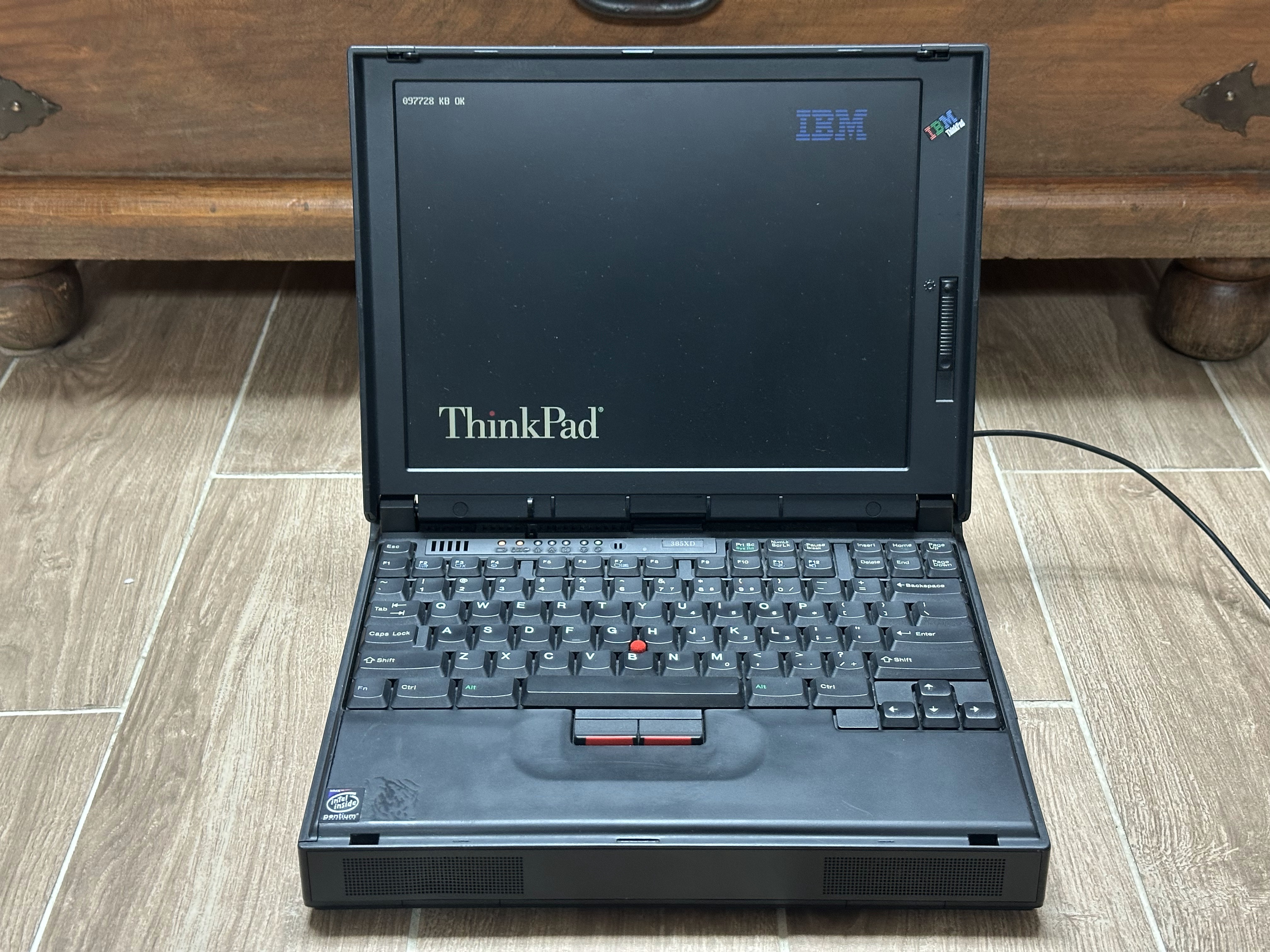
The ThinkPad 385 Series are essentially identical minus some small configuration differences in regards to hard drive size and whatnot. 380 models were sold to businesses and 385 models were sold at retail. The photo on the right is actually a 385XD.
Specifications
| Spec | ThinkPad 380 | ThinkPad 380D | ThinkPad 380E | ThinkPad 380ED | ThinkPad 380XD | ThinkPad 380Z |
|---|---|---|---|---|---|---|
| Release Date | May 1997 | September 1997 | March 1998 | September 1998 | ||
| CPU | CPU Type: Unknown Intel Pentium @150MHz | CPU Type: Unknown - Intel Pentium @150MHz - Intel Pentium MMX @150MHz | CPU Type: Unknown Intel Pentium MMX @150MHz | CPU Type: Unknown Intel Pentium MMX @166MHz | CPU Type: Unknown - Intel Pentium MMX @233 or 266MHz - Intel Mobile Pentium II @233 or 266MHz | CPU Type: Unknown Intel Mobile Pentium II @233 or 300MHz |
| Chipset | Intel 430MX | Intel 430TX (MMX models) or 440BX (PII models) | Intel 440BX | |||
| RAM | Type: EDO, 1x 144-pin Slot Standard: 16MB Maximum: 80MB | Type: EDO, 1x 144-pin Slot Standard: 32MB Maximum: 96MB | Type: EDO, 1x 144-pin Slot Standard: 32MB Maximum: 160MB | |||
| Storage | 2.5" IDE Requires Adapter: No Standard: 1.08GB | 2.5" IDE Requires Adapter: No Standard: 1.35 or 2.1GB | 2.5" IDE Requires Adapter: No Standard: 2.1GB | 2.5" IDE Requires Adapter: No Standard: 2.1, 3.0, or 5.1GB | 2.5" IDE Requires Adapter: No Standard: 3.2, 4.0, or 5.1GB | 2.5" IDE Requires Adapter: No Standard: 4.0GB |
| Display Options | 12.1" Passive Matrix LCD @800x600 | - 12.1" Passive Matrix LCD @800x600 - 12.1" Active Matrix LCD @800x600 | 12.1" Passive Matrix LCD @800x600 | - 12.1" Passive Matrix LCD @800x600 - 12.1" Active Matrix LCD @800x600 | - 12.1" HPA/Passive Matrix LCD @800x600 - 12.1" Active Matrix LCD @800x600 | 13.3" Active Matrix LCD @1024x768 |
| Graphics Chipset | NeoMagic MagicGraph 128ZV (NM2093) VRAM: 1.125MB | NeoMagic MagicGraph 128XD (NM2160) VRAM: 2MB | NeoMagic MagicMedia 256AV (NM2200) VRAM: 2.5MB | |||
| Audio | Crystal CS4236 | Crystal CS4237B - Stereo Speakers - Microphone | ||||
| Main Battery | NiMH (non-intelligent) | NiMH or Lithium Ion (both non-intelligent) | NiMH (non-intelligent) | NiMH or Lithium Ion (both non-intelligent) | Lithium Ion (non-intelligent) | |
| CMOS Battery | Unknown | CR1220 Lithium | Unknown | Proprietary Lithium | ||
| Power Supply | Barrel Jack | |||||
| Media Drives | 3 Spindle - 3.5" 1.44MB Floppy Drive - CD-ROM Drive (Optional) | 3 Spindle - 3.5" 1.44MB Floppy Drive - CD-ROM Drive | 3 Spindle - 3.5" 1.44MB Floppy Drive - CD-ROM Drive (Optional) | 3 Spindle - 3.5" 1.44MB Floppy Drive - CD-ROM Drive | ||
| PC Cards | 2x PCMCIA Slots - ZoomVideo Support (Lower slot only) | 2x PCMCIA/CardBus Slots - ZoomVideo Support | ||||
| Networking | None | |||||
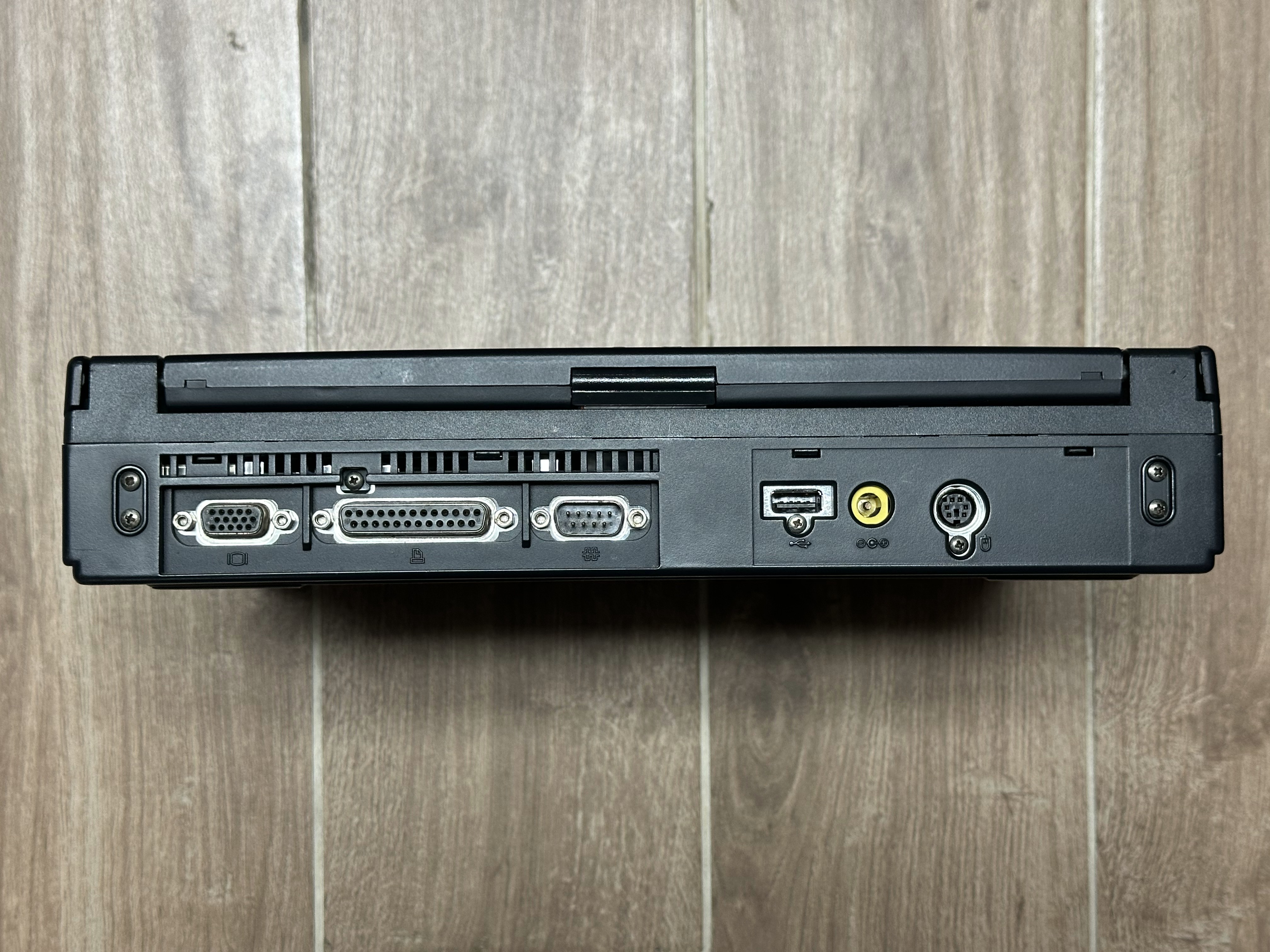
| Other I/O | - 1x Parallel - 1x Serial - 1x VGA Out - 1x PS/2 - 1x Dock Connector - 1x Mic In - 1x Line Out | - 1x Parallel - 1x Serial - 1x VGA Out - 1x PS/2 - 1x USB 1.x - 1x Dock Connector - 1x Mic In - 1x Line Out | ||||
| BIOS | IBM BIOS w/ Easy Setup | |||||
| Pointing Device | TrackPoint | |||||
Resources
| Link | Details |
|---|---|
 |
IBM ThinkPad 380/380D User Manual |
|
IBM ThinkPad 380Z User Manual |
 |
IBM ThinkPad 380/380D/380E/380ED Hardware Maintenance Manual |
|
IBM ThinkPad 380XD/385XD Hardware Maintenance Manual |
|
IBM ThinkPad 380Z Hardware Maintenance Manual |
 |
IBM ThinkPad 380/380D Product Brochure (Japanese) |
|
IBM ThinkPad 380E/380ED Product Brochure (Japanese) |
|
IBM ThinkPad 380X/380XD Product Brochure (Japanese) |
 |
IBM ThinkPad 1992-2001 Personal Systems Reference (PSREF) |
Common Faults & Maintenance
The ThinkPad 380 is a very well-built laptop, and very reliable. They almost always boot to BIOS.
Brittle Plastic
The plastics on the 380 are becoming brittle with age. That being said, the build quality of these laptops is excellent, so they generally hold up well. The following problems can present themselves due to the plastic deterioration:
- ThinkPad 380Z models are becoming prone to forming cracks near the display hinge. This is because it has one less hinge mount than earlier models in the series due to using a larger LCD. If you notice cracks near the display hinges, you will need to reinforce the area with epoxy.
- Earlier models in the series can also develop cracks near the display hinges. This is currently very rare, I've probably only seen it 2 or 3 times out of over 100 380s I've seen on eBay.
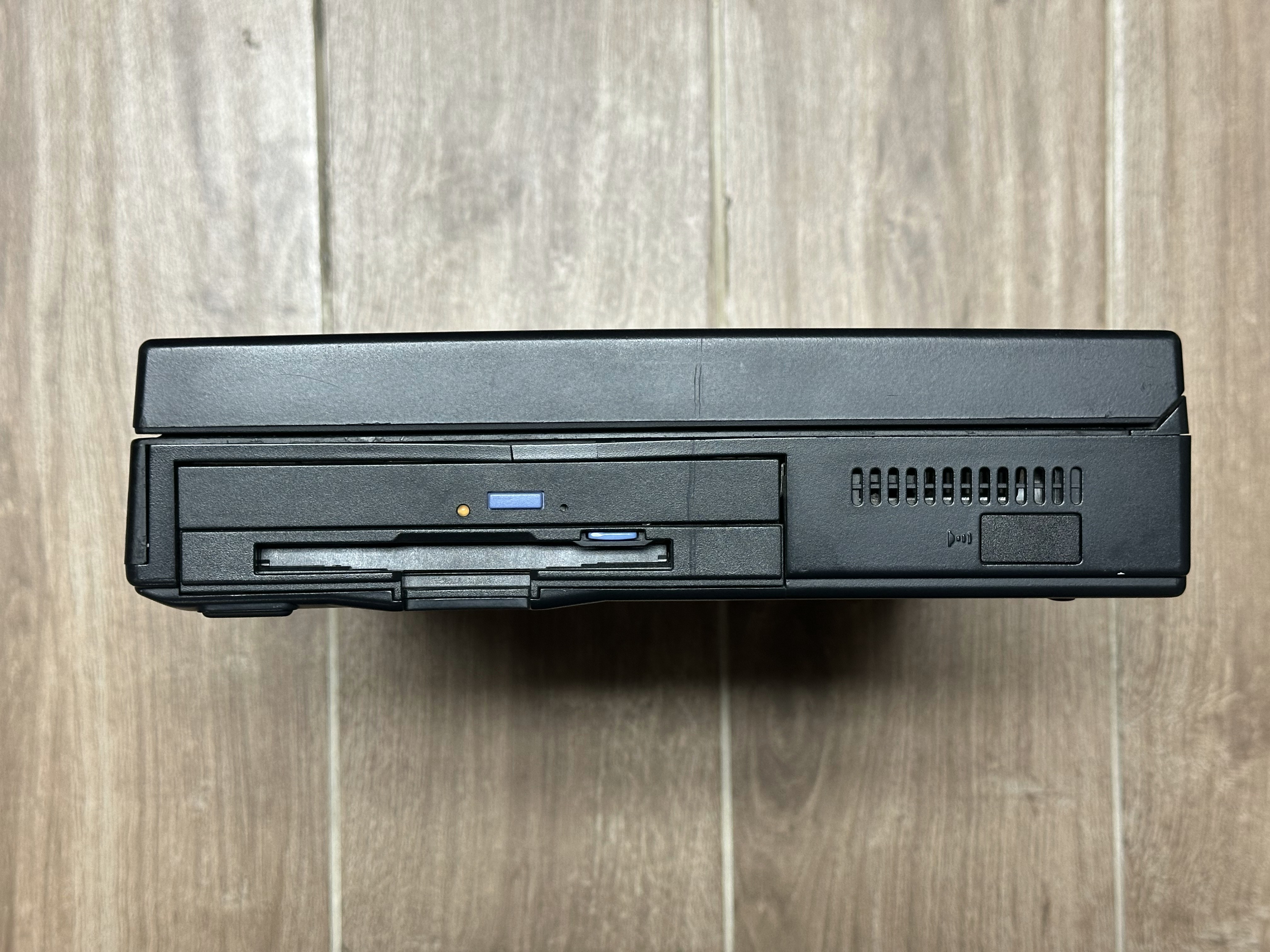
- The thin part of the lower case plastic between the palmrest and the CD-ROM drive is prone to cracking. You can see this crack in the photos of my 385XD in the gallery below.
Sticky Rubber
The palmrest of the 380XD is coated in soft-touch rubber. This coating usually goes sticky with age and will have to be removed. All other models in the 380 Series, including the 380Z, do not have this coating.
Design Differences
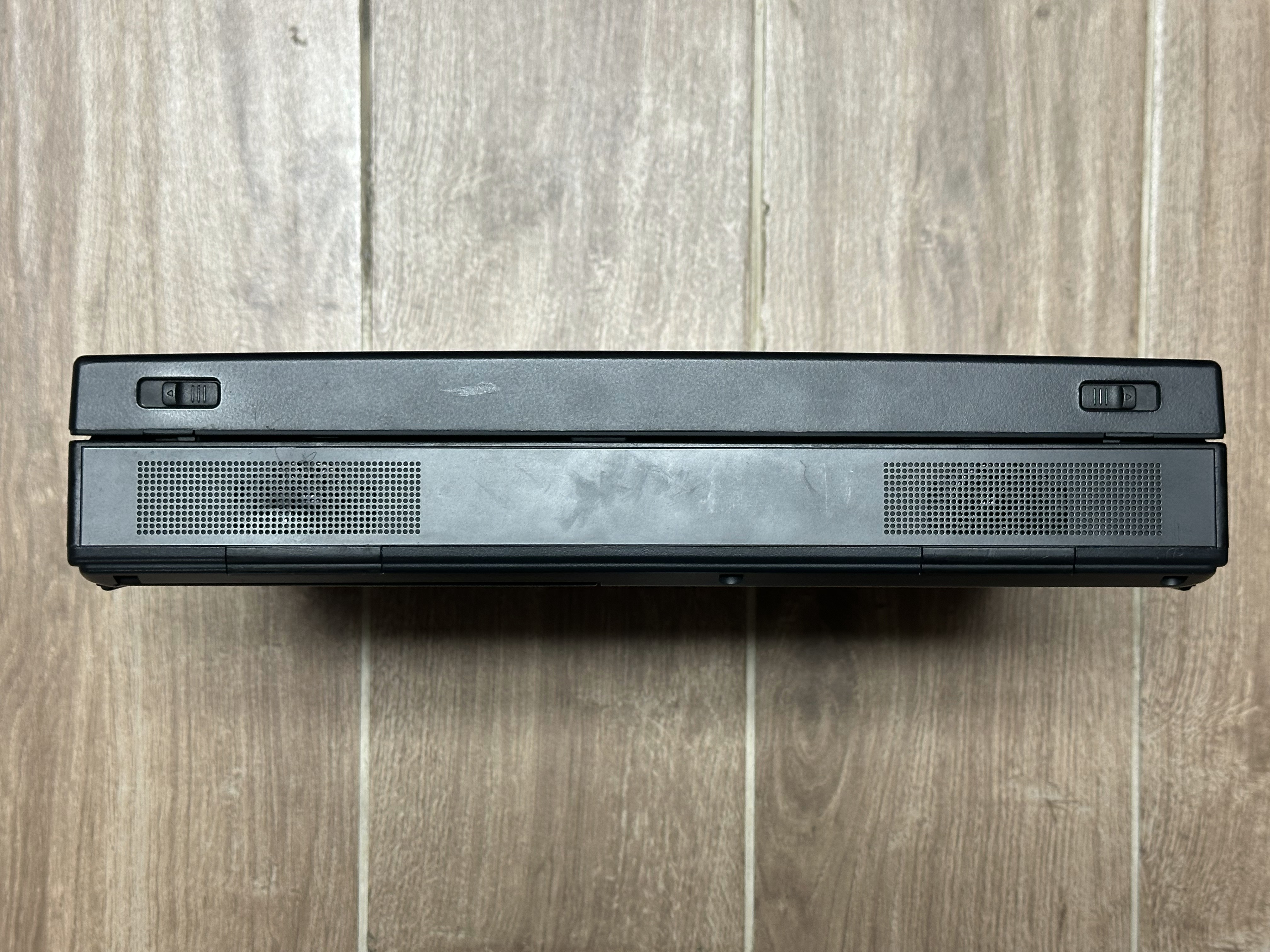
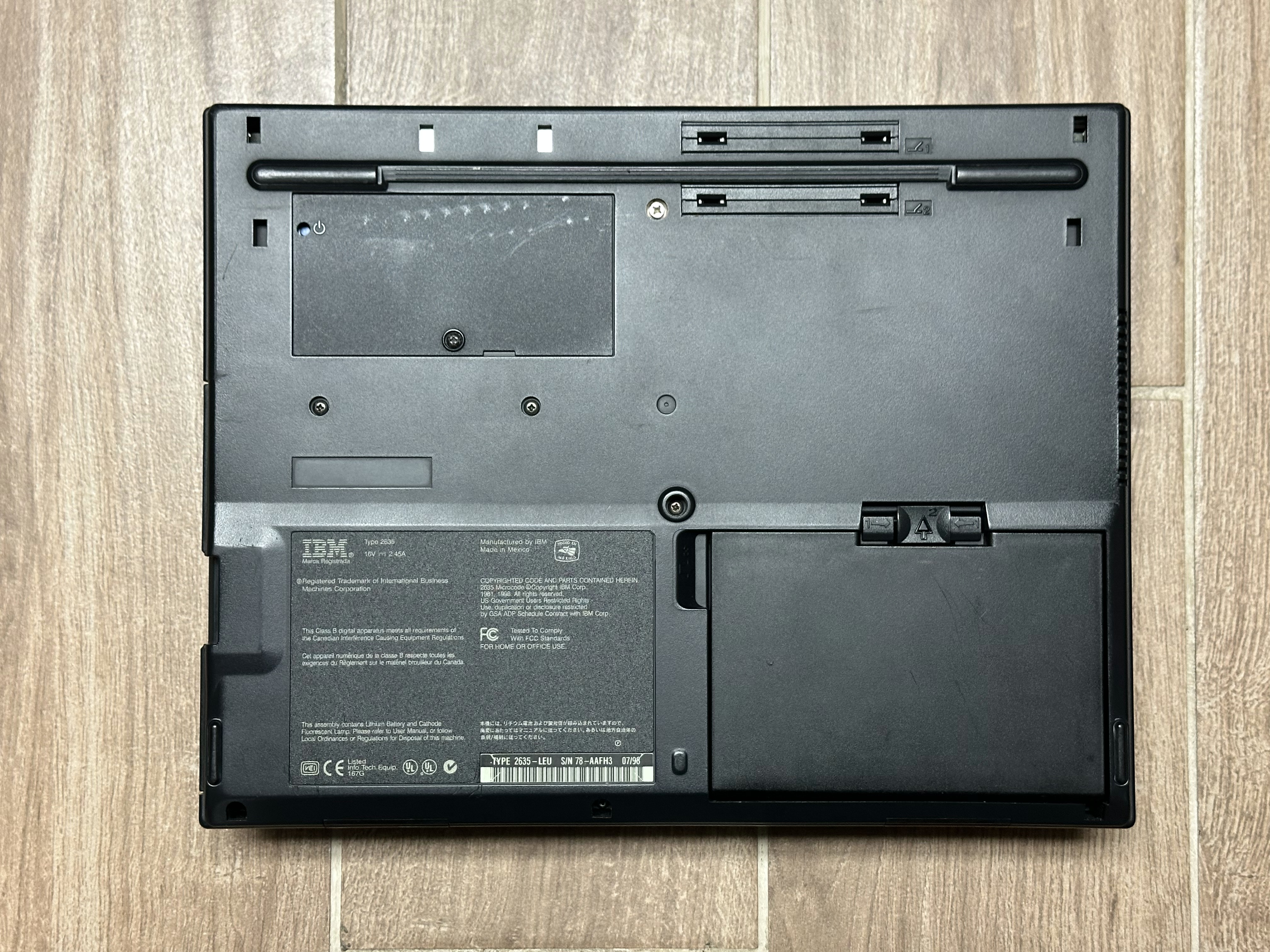
All 380 models up to the 380XD have a mono speaker and non-modular hard disk, which is located under the keyboard. The 380XD changed the design slightly, adding stereo speakers and making the hard disk modular (accessible through a door on the left side of the case). The 380Z also uses the updated case design.
Gallery
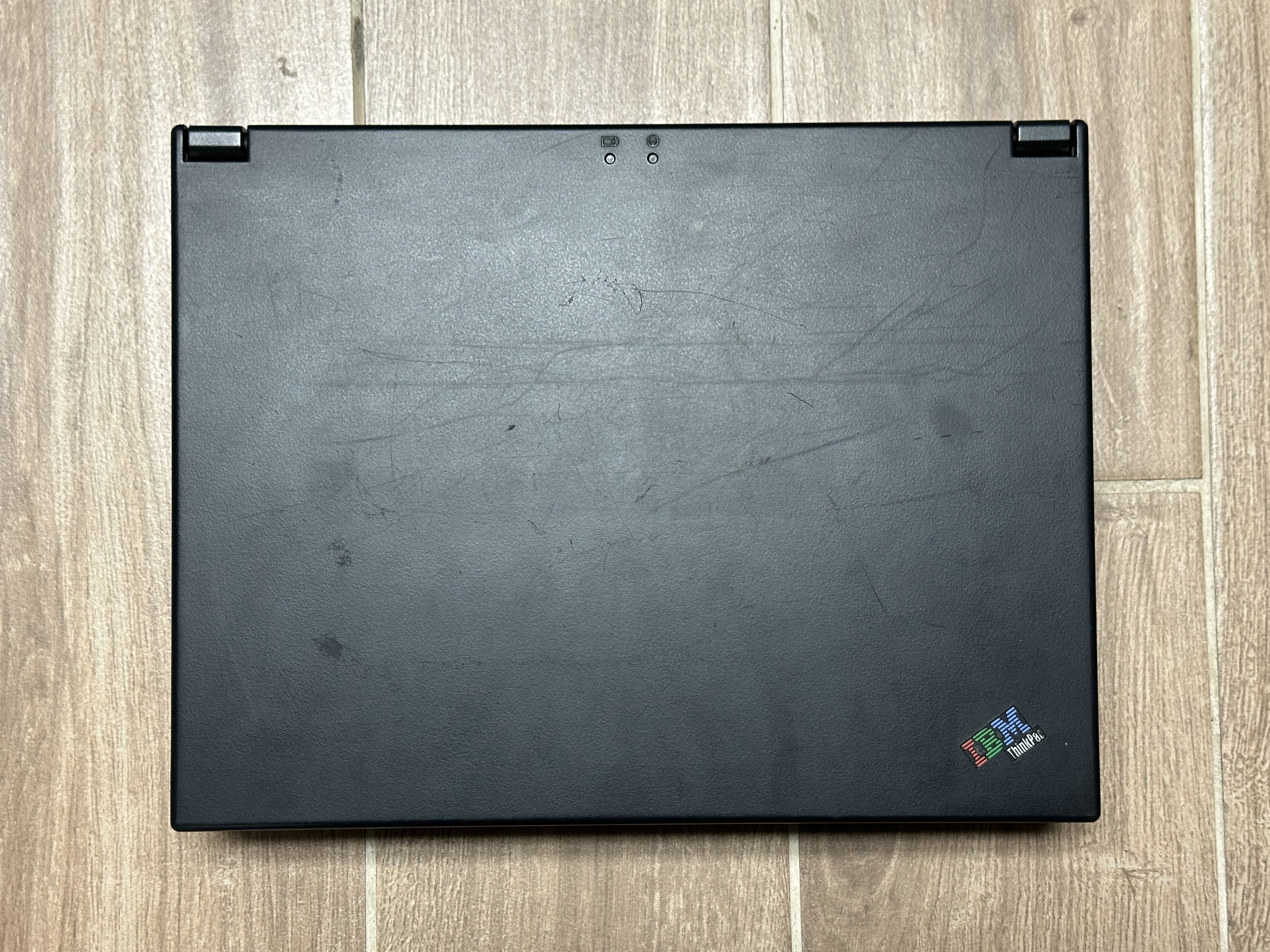
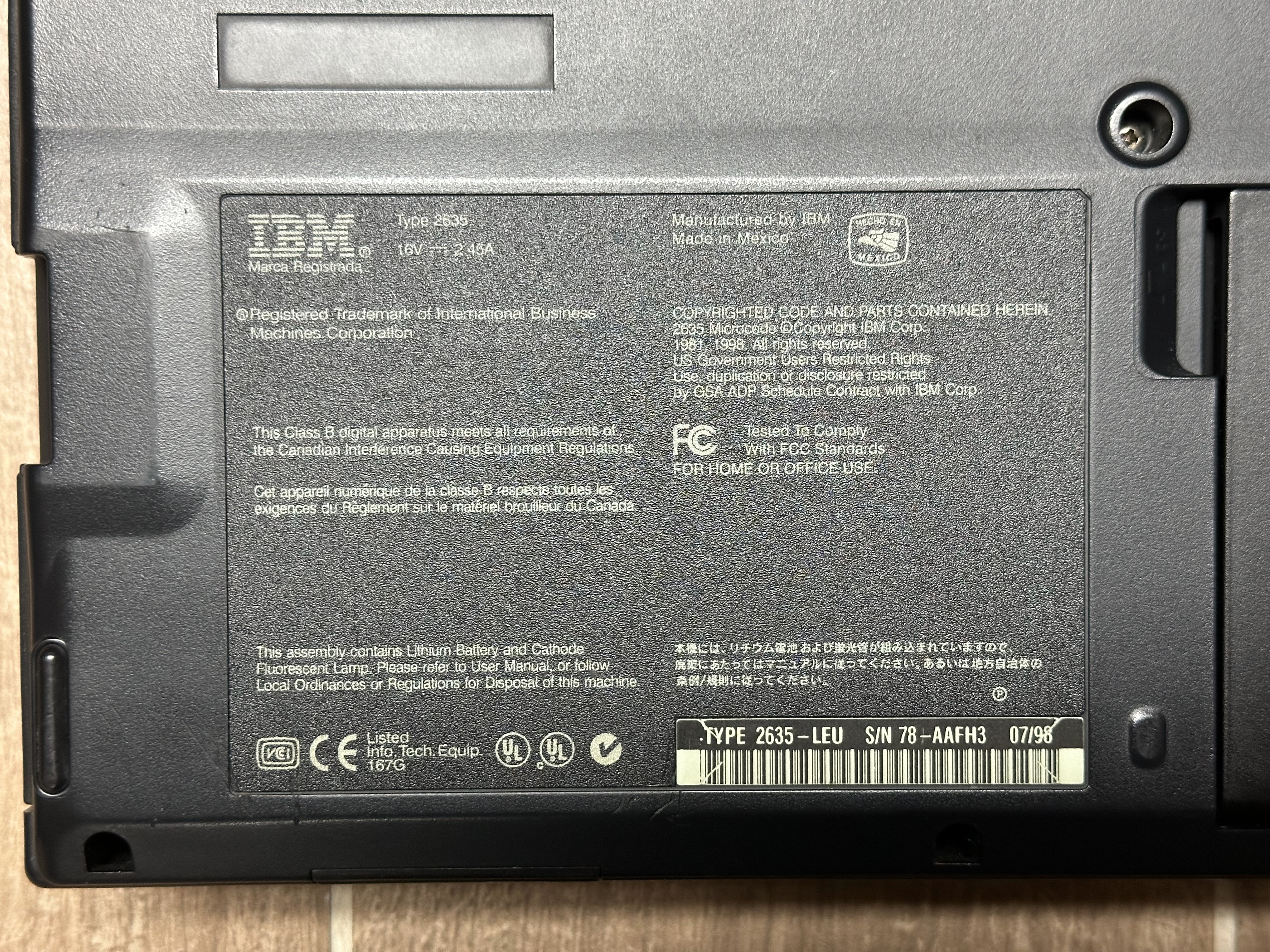
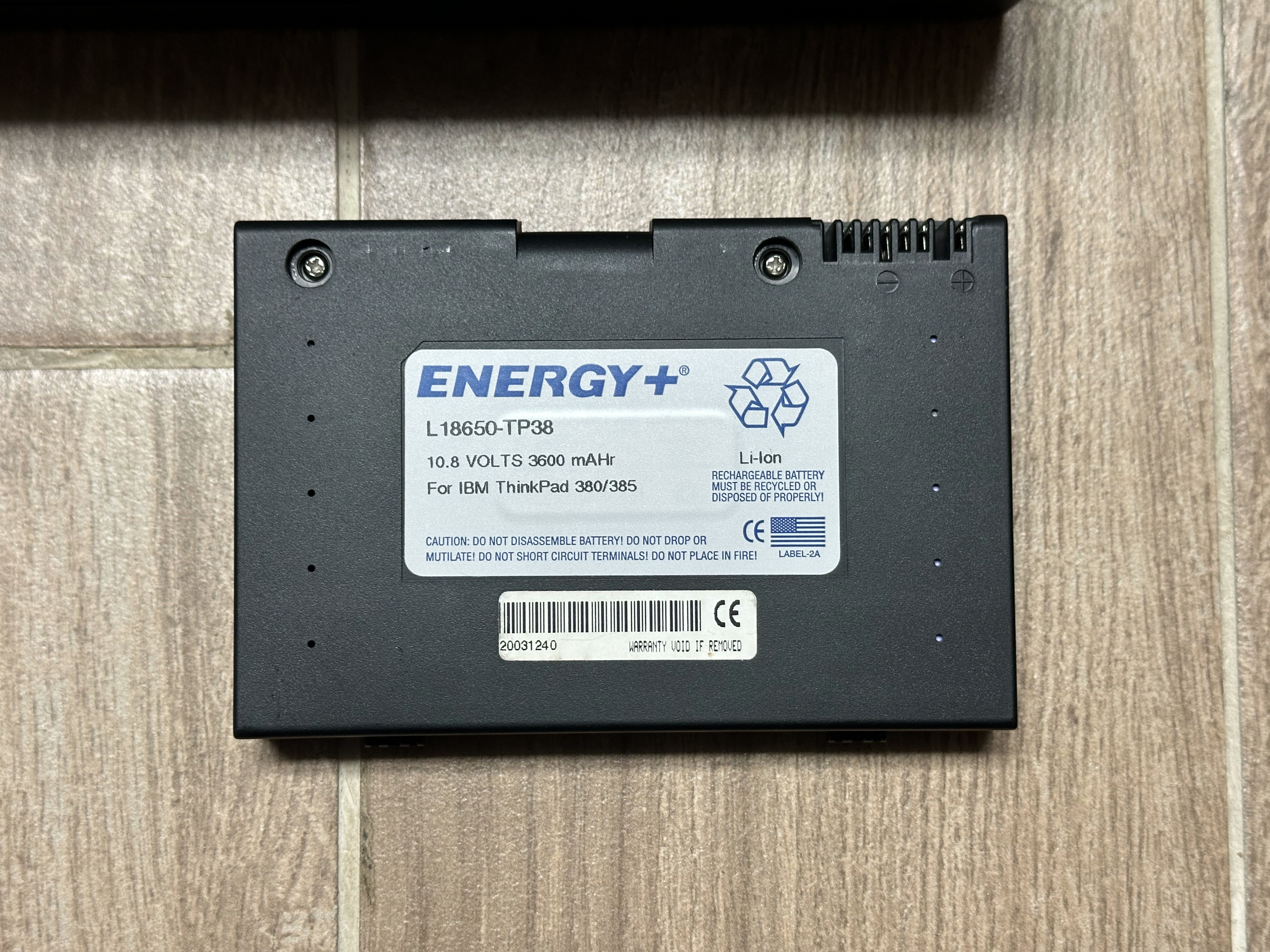
ThinkPad 385XD
The 385XD is simply a 380XD that was sold at retail rather than to the business sector.





ThinkPad 380Z
Photos from solidpro.