IBM PS/Note
IBM Type 2141
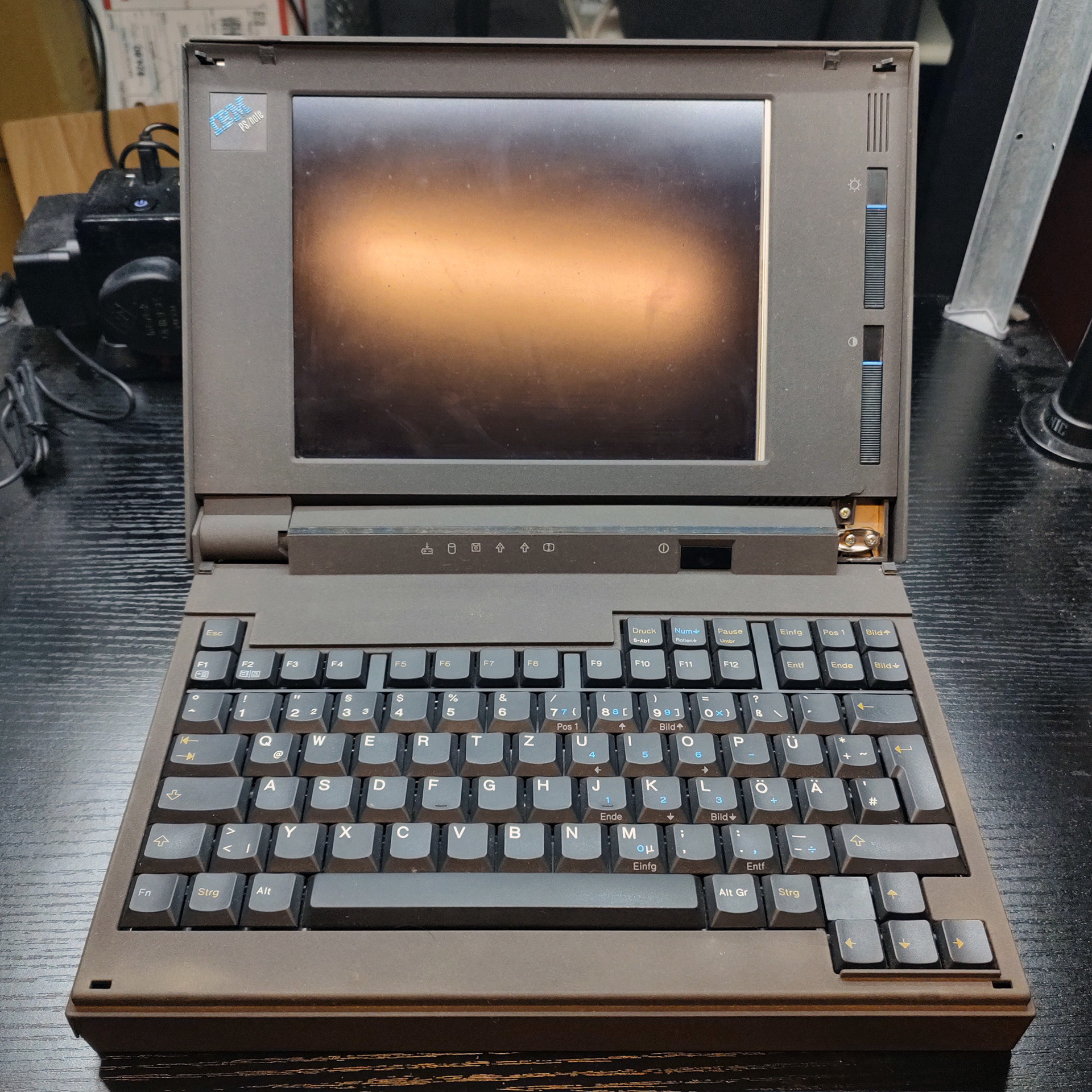
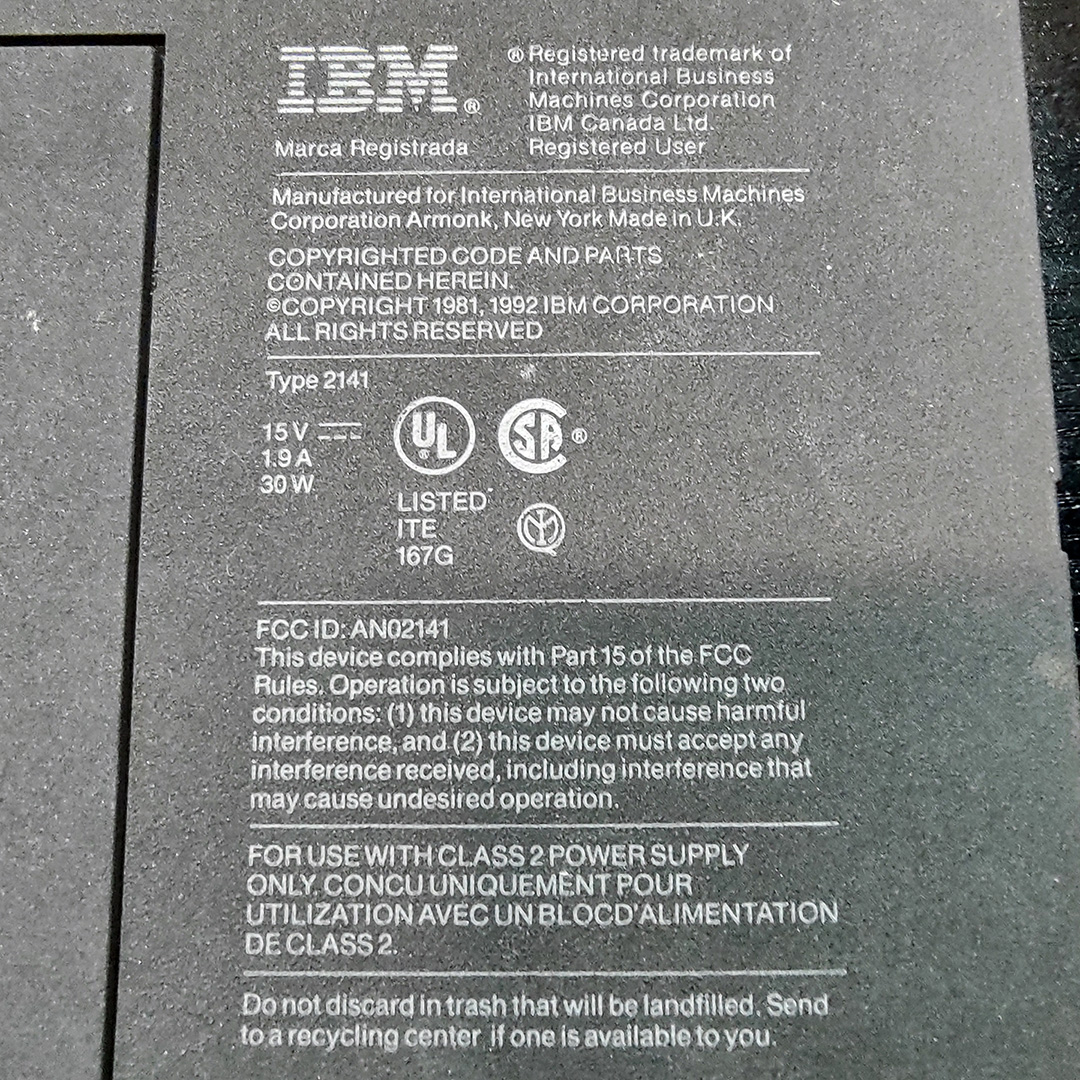
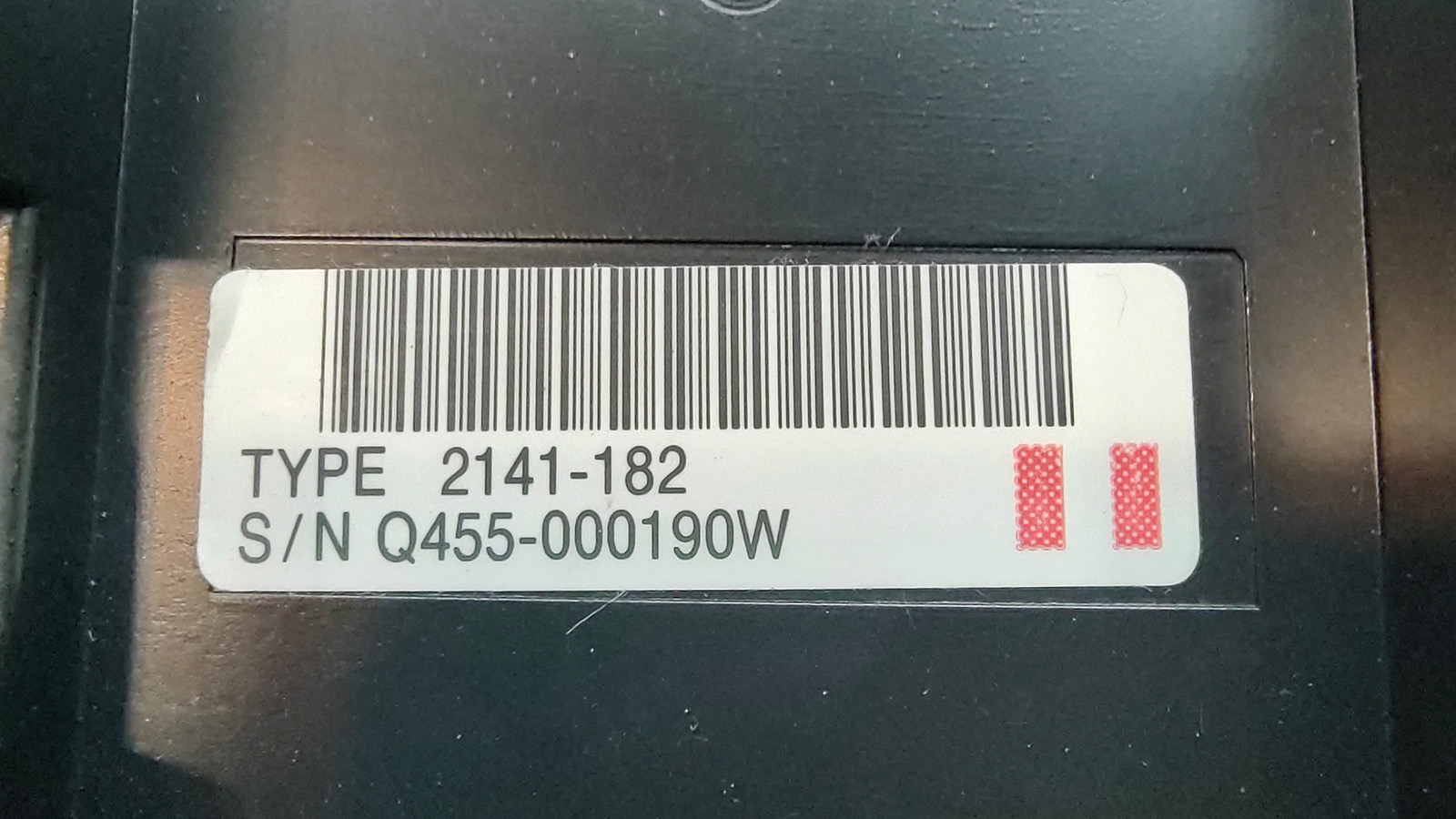
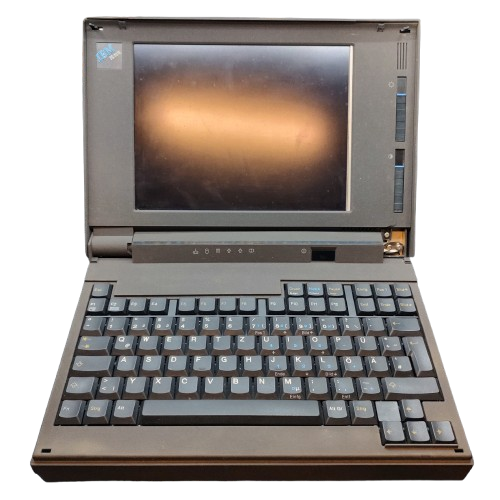
The PS/Note is a 386-based laptop that was released in October 1992. The laptops are labelled as "IBM PS/Note" with a machine type of 2141. From what little marketing I was able to find, the official name of this laptop is just "PS/Note", but it is also common called the "PS/Note Type 2141" or "PS/Note model 182", with 182 being one of several available subtypes. The subtype is printed on another label in the battery compartment as shown in the photos below. Other subtypes include E82, N82, W82, D82, L52, S82, 001, 003, and 082.
Being launched alongside the ThinkPad 300 and ThinkPad 700, the PS/Note was IBM's entry level notebook upon its release.
Specifications
| Spec | Details |
|---|---|
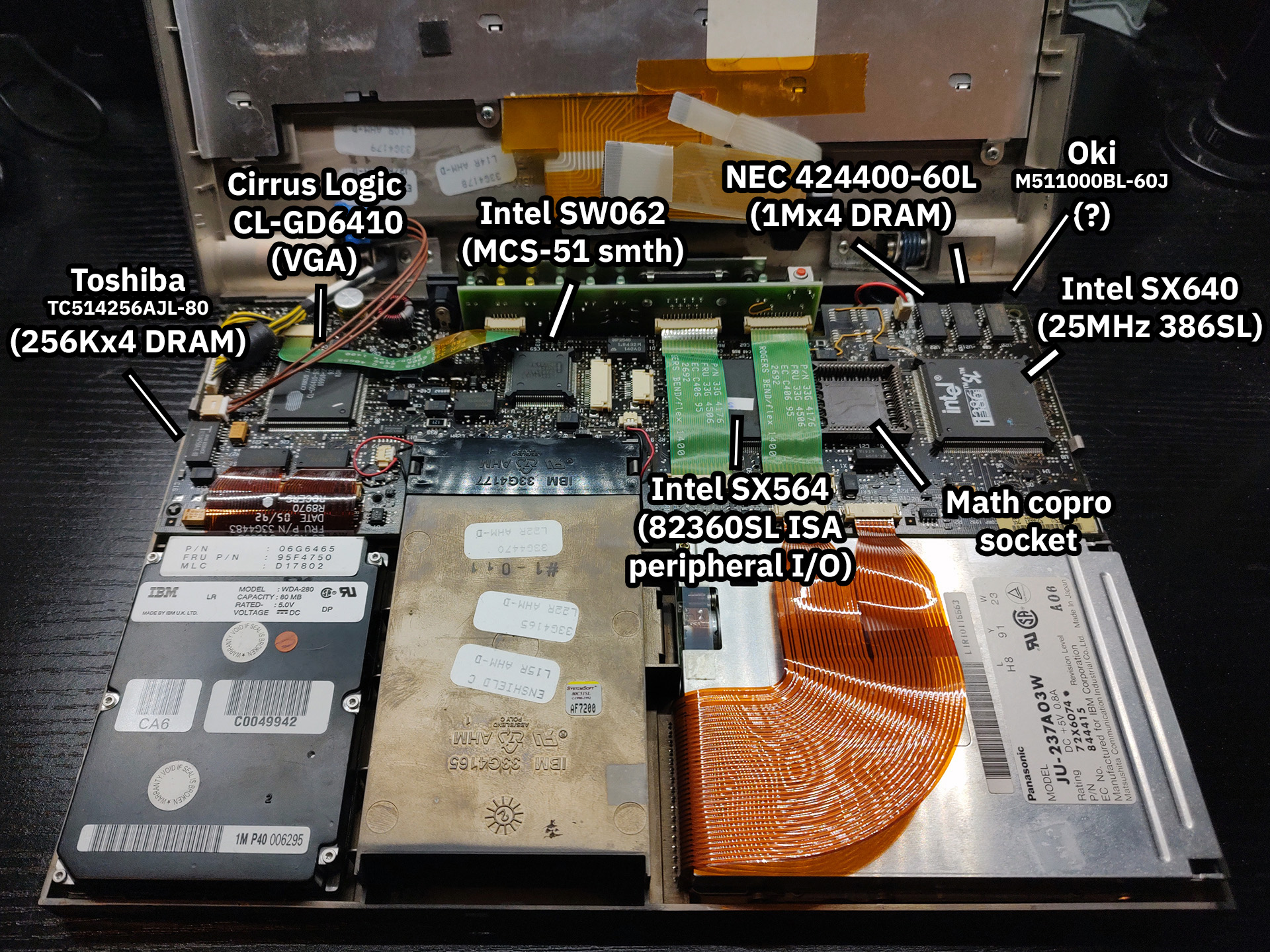
| CPU | CPU Type: Soldered QFP Intel 386SL @25MHz - 387 Coprocessor (Optional) |
| Chipset | Unknown |
| RAM | Type: Unknown Standard: 2MB Maximum: 10MB |
| Storage | 2.5" IDE Requires Adapter: Yes, cable Standard: 85MB |
| Display Options | Passive Matrix Grayscale (64 shades) @640x480 |
| Graphics Chipset | Cirrus Logic GD6410 VRAM: 256KB |
| Audio | PC Speaker |
| Main Battery | NiCad |
| CMOS Battery | Unknown |
| Power Supply | Barrel Jack |
| Media Drives | 3.5" 1.44MB Floppy Drive (Panasonic JU-237A03W) |
| PC Cards | None |
| Networking | Modem |
| Other I/O | - 1x Parallel - 1x Serial - 1x VGA Out - 1x PS/2 |
| BIOS | IBM |
| Pointing Device | None |
Common Faults & Maintenance
- Any PS/Note 2141 will need to have one electrolytic capacitor on the motherboard and several on the LCD replaced before it will work reliably. If your PS/Note doesn't start, or starts but with a blank/blue screen, this is why. Even a working system should be recapped as these original capacitors leak which can quickly cause damage in the form of corrosion and/or short ciruits.
- The plastic on the 2141 is brittle with age and the hinge mounts were very poorly designed - a combo which leads to broken and floppy hinges on nearly every unit. You can fix this by adding a pool of epoxy around the mounts at the base and the display to reinforce them.
Gallery
Photos courtesy of Admiral Shark. Thank you very much for helping to document this machine!
Click on any image below to view the full-size version.